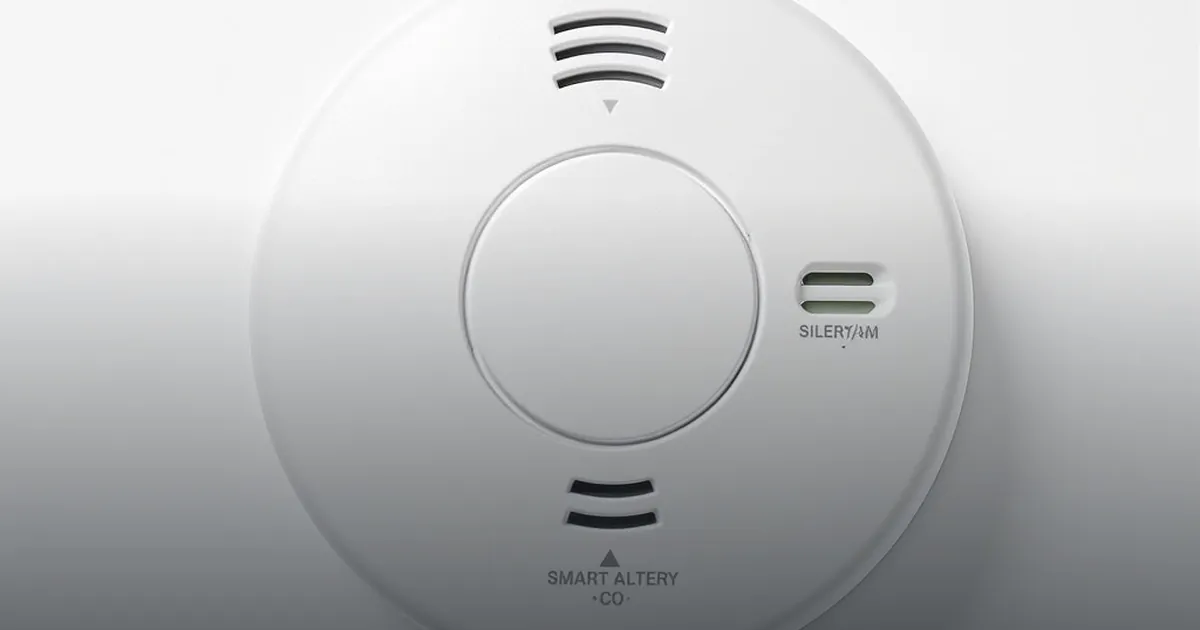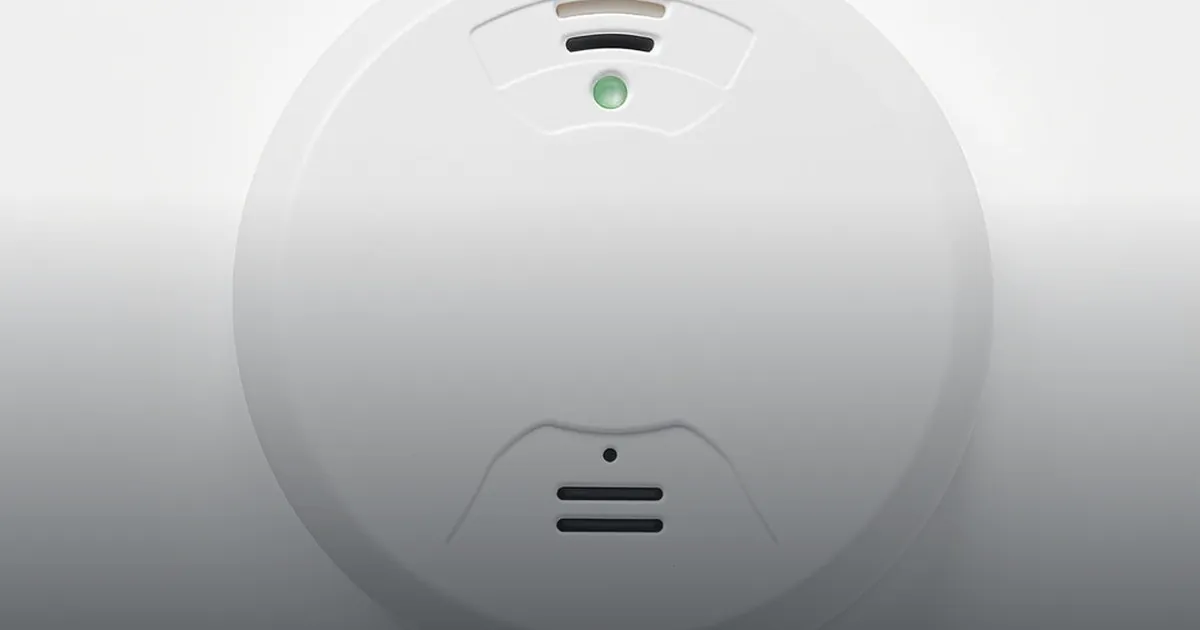
A single smoke alarm protects a radius of one room. An interconnected system protects a house: when any unit trips, every unit sounds. That difference — hearing the alarm that matters from wherever you are — is why modern building codes require interconnection in new builds, and why fire services call it the single biggest upgrade an existing home can make. Here is how it works and how to get it without opening a wall.
A closed bedroom door muffles sound dramatically; a basement alarm behind a fire door may as well be silent to a second-floor sleeper. Fires at night are the deadly case: a kitchen fire at 2am trips the kitchen alarm, and the bedrooms upstairs hear nothing until the smoke reaches them. Interconnection collapses that gap — the kitchen trip wakes every room, buying the minutes that escape routes need. This is the entire argument behind the code, and it is why the wireless and interconnected collection exists.
Hardwired interconnection runs a signal wire between units — the new-build standard, installed while walls are open. Reliable, but retrofits cost an electrician.
Wireless RF interconnection pairs units over a dedicated radio link — no wiring, no network, no router. The wireless interconnectable alarm at $28 pairs with every other unit in the system, and the wireless interconnected detector at $35 does the same in a standard housing. Battery powered, outage-proof, and a one-afternoon install.
Wi-Fi interconnection uses your home network and adds the phone layer: alerts, sensor self-checks and voice-assistant status. The wireless-sync compact model at $38 bridges the two worlds — RF sync between units, app alerts on top.
Mount the first unit, put it into pairing mode, then repeat unit by unit — most systems pair in minutes per alarm. Choose one unit as the anchor (the hallway outside the bedrooms is the natural choice), then add the bedrooms, the basement and the living areas. Test the network by pressing one unit's button and walking the house: every horn should sound within seconds. That walk-through is the whole commissioning process, and it doubles as the monthly test from our maintenance schedule.
A three-bedroom, two-story home needs six alarms by the placement rules in our room-by-room guide. Six wireless-interconnect units at $28 to $38 lands under $200 — less than a single electrician visit for hardwired interconnection, and the system moves with you if you do too. Add one Wi-Fi unit in the basement or garage and the phone-alert layer covers the rooms nobody sleeps in.
Interconnection answers "where is the alarm sounding," and combo units answer "what is it detecting." A network of smoke + CO combos reports the threat type at every unit — voice-alert models announce it out loud in the room you are standing in. The voice-alert combo at $45 is the strongest single unit in that mix: spoken threat type, wireless sync, compact housing.
A standalone alarm passes its monthly test alone; a network passes together. Press one unit's test button and walk the house with a stopwatch — every other horn should join within seconds, and the farthest bedroom is the one that proves the chain. Test from a different unit each month so every link in the chain gets exercised over the year. Wireless systems self-report dropped connections, but walls, foil-backed insulation and large appliances all thin RF signal — if a unit misses two network tests in a row, move it or add a repeater unit between. The wireless interconnectable alarm documents its range in open-air terms; real houses cut that number roughly in half.
The two upgrades stack. A wireless-sync network handles the in-house job — every horn sounds — while one Wi-Fi unit handles the out-of-house job, pinging your phone with the room name and threat type. That split covers both scenarios that matter: the family asleep inside, and the homeowner two states away. Start with the RF network for coverage, then add the smart layer where the phone alert earns its keep — the basement, the garage, or the vacation home you rarely stand inside.
Interconnection turns six independent alarms into one system that hears for the whole house — and wireless pairing has made it a Saturday project instead of a rewiring job. Start with the hallway anchor, add the bedrooms and basement, and walk the house on test day. The compact collection keeps every unit flush to the ceiling while it does the listening.